Free Social Media Scheduling Apps for New Marketers
Your Social Media Calm Starts Here. No Credit Card Required.
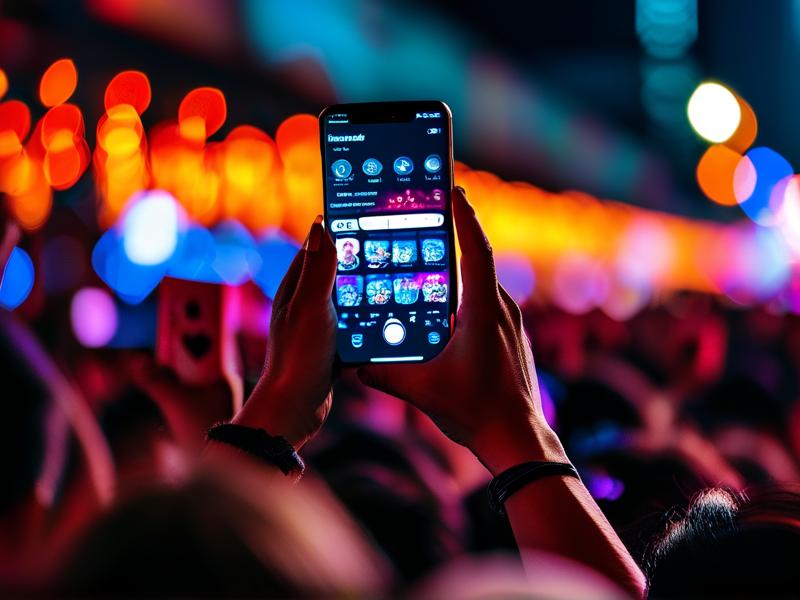
Let’s be real. Posting consistently feels like running on a hamster wheel. You finally finish work, open your phone, and—bam—the pressure to say something smart, funny, or at least coherent hits you. It’s exhausting. The secret isn't working harder. It's working smarter by batching your content. That’s where a free scheduler comes in. It automates the tedious part, so you can be the creative human in the driver’s seat. Which is a huge win for your sanity.
Buffer: The King of "Set and Forget" Simplicity
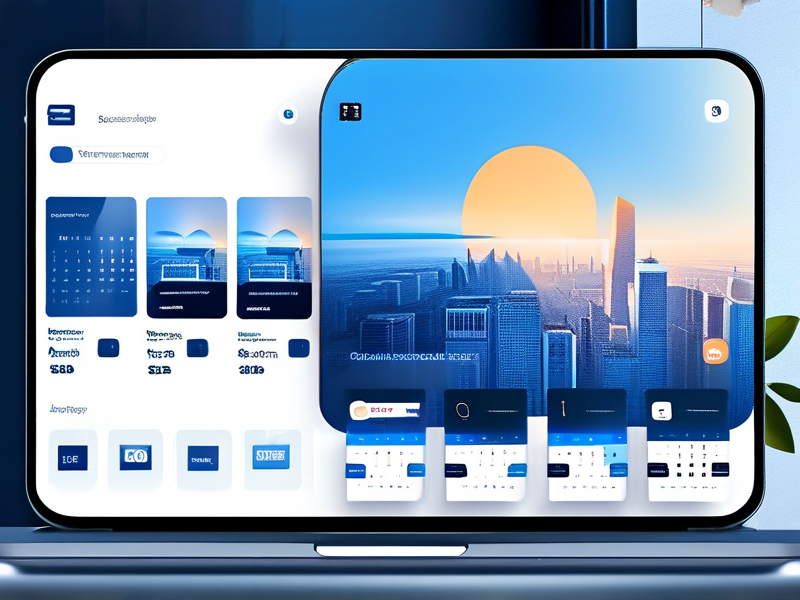
If the word “dashboard” makes you sweat, start with Buffer. Seriously, it’s the Ikea of scheduling tools—well-designed, intuitive, and it just works. Their free plan is transparent. You get a handful of channels (enough for the big ones), and the ability to schedule around 10 posts per platform. The interface is so clean you'll be up and running in 10 minutes. No weird buttons, no overwhelming analytics. It just focuses on letting you write, pick your images, and time them out smoothly. For a beginner who values clarity over bells and whistles, it’s my top pick.
Hootsuite: When You Crave the Big Picture
Maybe you’re the planner type. You like seeing everything laid out. Hootsuite’s free tier is famous for its “streams.” You connect your accounts and see all your feeds—mentions, DMs, scheduled posts—lined up in columns. It feels like mission control. It’s powerful for scoping out conversations and quickly replying without bouncing between five apps. Scheduling is great too. The workflow is a bit more involved than Buffer, but if you need that bird's-eye-view to feel in control, it's worth the slight learning curve. Just be warned: the upgrade nudge is persistent. You can ignore it.
Later: If You Run on Pretty Pictures
Okay, is your platform Instagram? Or maybe Pinterest? If your strategy lives and dies by visuals, check out Later. Their free plan is incredible for visual-first creators. You get a visual calendar to drag and drop photos, the ability to auto-publish to Instagram, and a killer link-in-bio tool. The calendar literally shows you how your feed will look before you post. Is that blue photo clashing with your grid? You’ll see it right away. It turns scheduling into a creative, visually satisfying task. For other platforms it's fine, but for Instagram? It feels a bit like cheating.
Picking Your Tool: Forget FOMO. Answer These Two Questions.
Here’s the thing. All these tools are great. Getting stuck in analysis paralysis is the real enemy. To choose, just ask yourself: 1) What is my single most important platform right now? 2) Is my main goal to post on time, to monitor conversations, or to make images look amazing? Be brutally honest. If it’s posting on time across all platforms, try Buffer. If it’s listening and community, try Hootsuite. If it’s making Instagram perfect, try Later. You can’t go wrong. Honestly, the best tool is the one you'll actually use.
Start Small. Just Do Next Week.
Don't try to schedule an entire month. That's a recipe for burnout. Your first mission? Take 20 minutes this Sunday. Choose one of these apps. Write and schedule 3-5 things for the coming week. See how it feels on Monday morning when your first post goes out without you lifting a finger. That feeling of calm is the whole point. It’s free, it takes an hour to try them all, and it might just give you back your evenings.